Windows 10/11 is speedier than the previous versions of Microsoft’s desktop operating system, but you can still optimize its performance. Learn how to make your Windows 10/11 PC run faster with our tips.
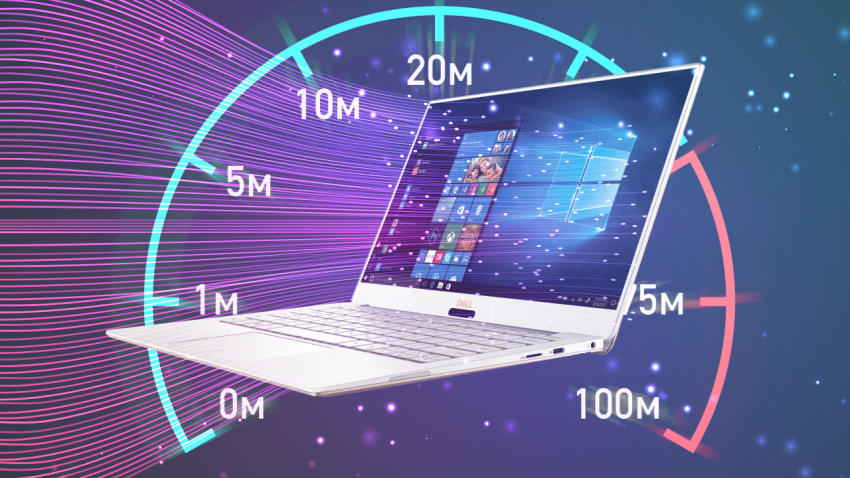
As PC hardware continues to speed up, so does software, and Windows 10 is no exception. This is especially true of startup time: If you upgrade from Windows 7 or earlier, you’ll be pleasantly surprised by how fast your machine is ready for action. There are other performance factors to consider after you’re up and running, however. Even the latest, shiniest Windows version isn’t immune to slowdowns.
The problem with a lot of Windows speedup stories is that they tell you to turn off some of the operating system’s more-fun features, such as visual animations. Most of our tips show you ways you can speed up your Windows 10 system without compromising its appearance and functionality. Most are also free, but some involve spending a little cash on software or hardware. For people with older, low-power machines who want a speed boost but don’t care about extra goodies, a couple of the tips towards the end do boost system performance at the expense of visual bling.
Note that you should beware of those “Speed Up Your PC!” ads for registry cleaners, which often lead to malware. Microsoft categorically does not support the use of registry cleaners for Windows 10 and 11.
Something that is recommended is to keep your OS version up to date. This may seem too obvious to include below as a separate step. Periodically head to the Settings app’s Windows Update section to see whether there are any security and reliability updates you should install. Your PC may run faster after one of these, since they also can include hardware driver updates. Do this even if you don’t want yet want a big feature update—you can delay those major updates in the same section of Settings.

 Kroon Digital