9. Run Troubleshooters
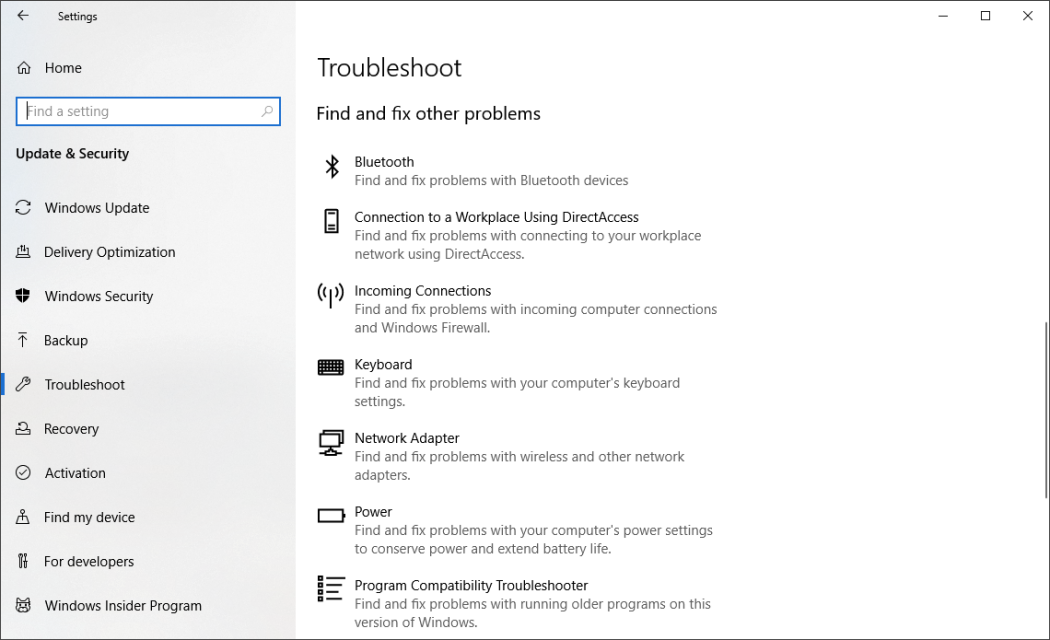
Open the Settings app and search for troubleshoot. Windows recommends troubleshooting utilities you should run, and you can choose to run them automatically or manually. For good measure, run the other troubleshooters, including Search and Indexing, Hardware and Devices, and Windows Store Apps. Also go to the old-style Control Panel’s System and visit Security > Security and Maintenance page (or just type maintenance in the Start menu search box), click Maintenance, and hit Start Maintenance. This happens automatically on a daily schedule (you can change the time it runs—mine was set for 2 a.m.), but if you’re experiencing slowdowns, it’s worth trying.
If your PC is still hopelessly bogged down, you can use the Windows Security app’s Fresh start option, but be warned that doing so may remove some of your installed programs, but your personal files are kept.

 Kroon Digital