10. Change Appearance in Performance Options
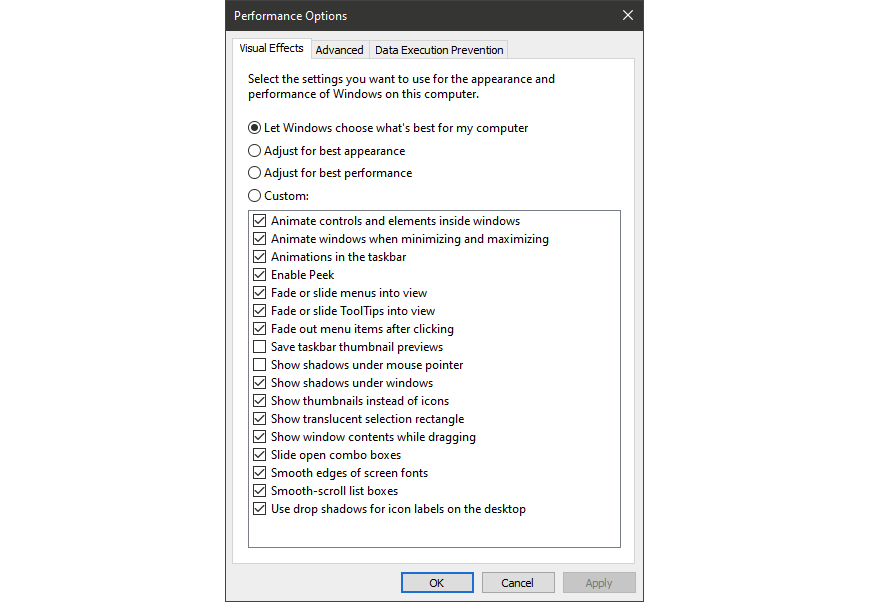
You can easily get to this setting by typing adjust appearance in the Start menu’s search box. In the dialog, you can use the radio button at the top labeled Adjust for best performance or select which eye-candy features you can live without from the long list of check boxes below these choices. If you choose the overall best-performance button, you’ll lose all of the visual effects. For example, you won’t see the contents of a window you’re dragging move, but rather just a rectangle representing the window’s edges. Keeping the effects that you enjoy checked in the dialog is probably a better way to go. You can also get to this tool from the new Settings app and searching for “maintenance” or “performance.”

 Kroon Digital