5. Add More RAM
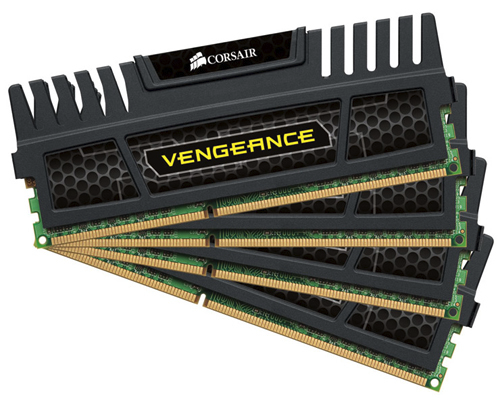
Windows 10/11 manages memory more efficiently than earlier versions of the OS, but more memory always can potentially speed up PC operations. For a lot of today’s Windows devices, such as the Surface Pro tablets, however, adding RAM isn’t an option. Gaming and business laptops often still allow RAM upgrades, but that’s becoming more rare. The new, slimmer ultrabooks and convertibles are usually fixed. If you still use a desktop tower, this article can show you how to add RAM. The bigger RAM makers’ (Crucial, Kingston, Corsair) websites all offer product finders that show you which type of RAM your PC takes, and prices are pretty reasonable. You can get 8GB high-performance DDR4 RAM for about R1200.00.
If that’s still too much, and your computer is very old, has a hard drive rather than an SSD (see below), and has little RAM, you could try using ReadyBoost with a USB stick. This caches data on the portable storage device’s storage to speed up memory access that would be slower with a spinning hard drive. Just go to the USB key’s File Explorer entry, right-click to open Properties, and switch to the ReadyBoost tab to get going. For most up-to-date systems, this feature won’t be available and would provide no performance boost

 Kroon Digital